Image to Video AI: Bring Your Photos to Life
Turn photos, artwork, and product images into engaging videos with AI. Add a motion prompt, choose your settings, and create polished clips with AI image to video technology in just a few clicks—no timeline or keyframe editing required.
Select Template
Upload Image
Upload a photo
Prompt
Model
Background Music
Preview
Image to Video AI: Bring Your Photos to Life
Turn photos, artwork, and product images into engaging videos with AI. Add a motion prompt, choose your settings, and create polished clips with AI image to video technology in just a few clicks—no timeline or keyframe editing required.
Select Template
Upload Image
Upload a photo
Prompt
Model
Background Music
Preview
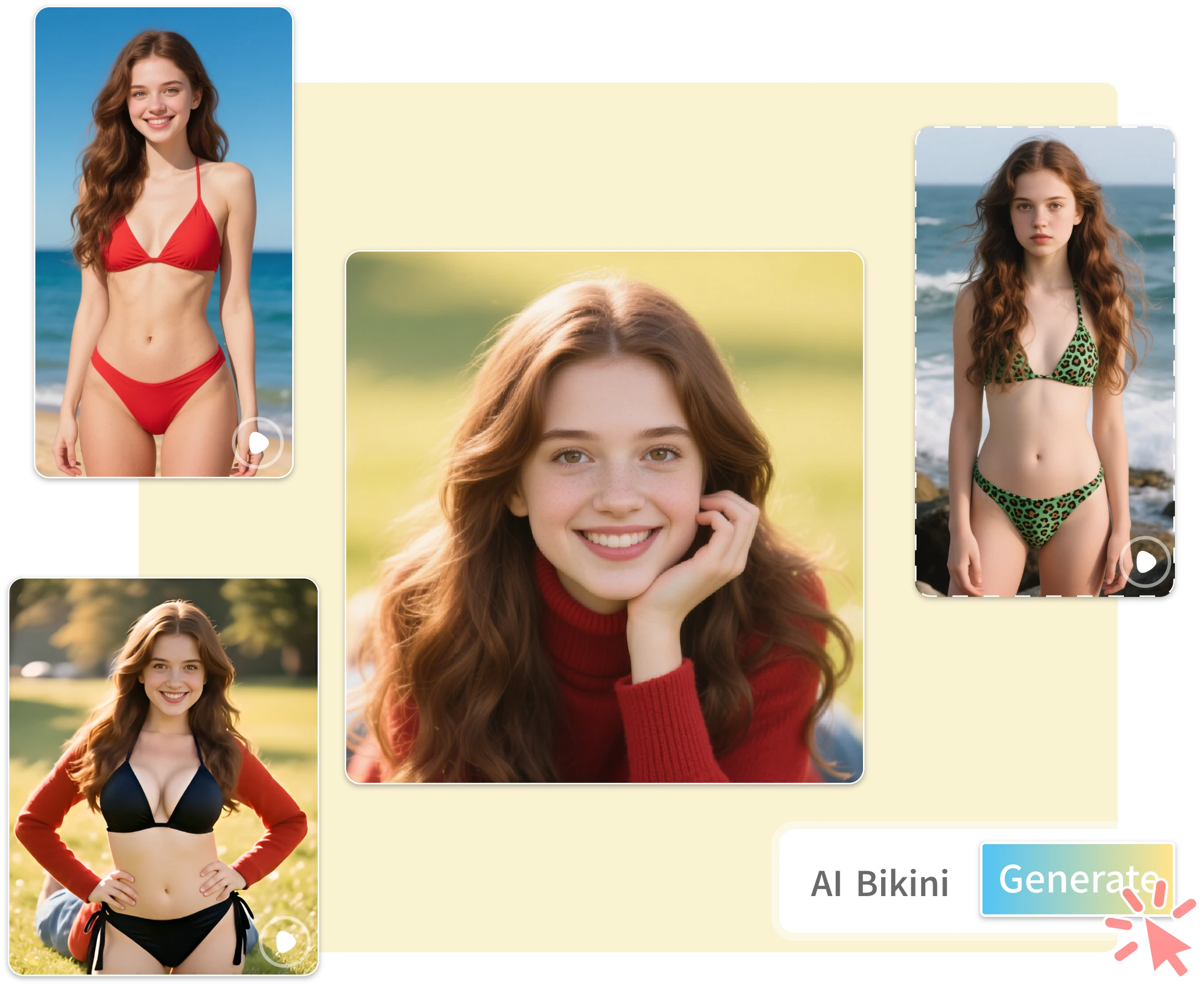
Choose Your Model: Quality or Fast
Set Resolution and Duration
Add Music and Download
Keep Faces and Characters Consistent
Choose Your Model: Quality or Fast
Set Resolution and Duration
Add Music and Download
Keep Faces and Characters Consistent
What Can You Create with Image to Video AI?
AI image to video turns your best still images into motion assets you can publish everywhere—from social feeds to product pages and campaigns.
Use AI image to video to make still photos feel native to vertical video feeds with a subtle zoom or pan. Great for before/after content, outfit shots, food photos, travel highlights, and product reveals. One photo shoot can become a week of clips—each with different motion, so your feed never looks repetitive.
Add attention-grabbing motion to event posters, flyers, and announcements for social ads and stories. Works well for webinars, seasonal sales, and app updates. The poster already carries the design—the motion does the rest, making static announcements feel alive in feed.
Turn product photos into premium motion ads with this AI image to video generator—zooming into details, panning across texture, or adding cinematic movement. Ideal for beauty, fashion, gadgets, and home goods. Refresh winning creatives without a reshoot: keep the product, change the motion, and test a new angle for the next round of ads.
Transform product photos into short promotional videos with AI image to video technology, using controlled zooms, pans, and cinematic movement—no new shoot required. Ideal for ecommerce teams that want video variations for product pages, social stores, and marketplace listings without extra production cost.
Why Choose Our Image to Video AI?
One great image can become many videos. Turn it into fast, secure, brand-ready clips in a few clicks.
Fast Results
Generate clips in seconds and publish faster for social posts, ads, and campaigns. Use this image to video generator to make quick variations and test different styles without a long editing cycle. Iterate in real time—change the prompt, re-run, and compare results until one feels right.
High-Quality Motion
AI image to video keeps motion smooth and stable, so faces, products, and brand visuals stay recognizable. Choose subtle pans or zooms and get outputs that feel cinematic and marketing-ready. Motion stays natural rather than exaggerated, which keeps clips looking professional.
Privacy First
We treat your uploads with care. Your content is used only to generate your results—especially important for personal photos and client assets, with minimal retention and respect for your creative ownership.
Secure by Design
Safe processing helps reduce risk when you generate content for business or clients—reliable, protected handling even on the free plan.
Browser-Based, No Downloads
Runs directly in your browser—no install or updates. Open the page, upload an image, and generate instantly, perfect for teams and creators across multiple devices. No app store, no version updates to chase—just open the link and start creating.
Simple Workflow
No editing skills needed: upload, generate, export. Easy for beginners and teams, with quick regeneration and variation testing. From upload to download in minutes, even on a first visit.
How to Use Image to Video AI in 3 Simple Steps
With image to video AI, it only takes three simple steps to turn a still image into a share-ready video.
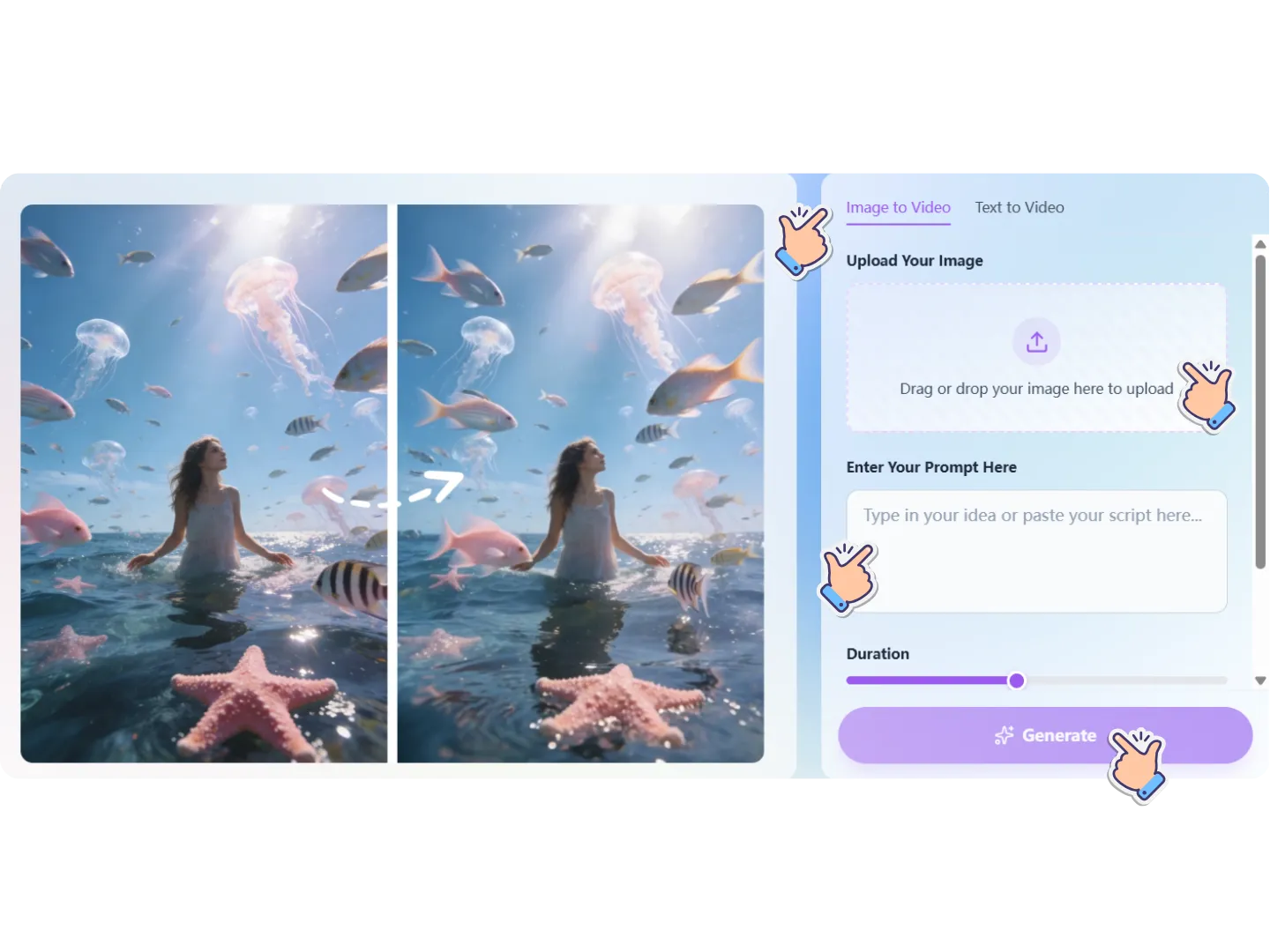
Step 1: Upload Your Image
Start with a clear photo or graphic—product shots, portraits, travel images, artwork, or brand visuals. This image to video generator supports common formats, and high-resolution images usually work best.
Step 2: Enter Your Prompt
Add a prompt to describe the motion, camera movement, mood, or visual style you want. Then set the duration and resolution for your video. Try a simple motion prompt such as a slow camera push-in, gentle subject movement, or cinematic camera pan.
Step 3: Generate & Download
Generate your AI image to video based on your prompt, then download and use it anywhere—without a watermark.
What Users Say About Our Image to Video AI
Real creators and teams use image to video AI to move faster, test more, and publish better content—without adding complexity.
Maya Kim
Performance Marketing Manager
"Image to video AI helped us refresh creatives fast. We turn one product photo into multiple clips with different motion styles, then test ads in days instead of weeks. It's simple enough for my team, and outputs look clean for paid social. It's become our go-to for weekly creative rotation."

Daniel Brooks
Ecommerce Founder
"I needed image to video AI that doesn't slow me down. Upload a product shot, pick a style, generate, export—done. I tried a few free tools before, but this one feels more consistent. It makes my store look more modern without hiring extra editors."
Aisha Patel
Social Media Strategist
"With image to video AI, we repurpose campaign images into short clips that feel native on Reels and Shorts. The motion is smooth and subtle, which helps retention. It also gives us quick variations for hooks and pacing. I can build a week of content from a single shoot."
Ethan Rivera
Freelance Creative Producer
"Clients want more video but not bigger budgets. Image to video AI lets me animate posters, portraits, and product shots into professional-looking clips. I start with the free tier to preview options, then scale once we lock the direction. It speeds up delivery and keeps feedback cycles short."
FAQs: Everything About Image to Video AI
Below are the most common questions creators ask before switching to use Image to Video AI.
Start Creating with Image to Video AI Today!
If you're ready to turn still images into videos that look modern, polished, and platform-ready, start now with image to video AI and see the results immediately.